Four things get you through game night: get in, find yourself, move, and roll. You need the invite link and the table password from your DM. No account, nothing to install.
Chrome, Edge or Firefox on a computer, or any phone or tablet browser.
1
Open the invite link and enter the table
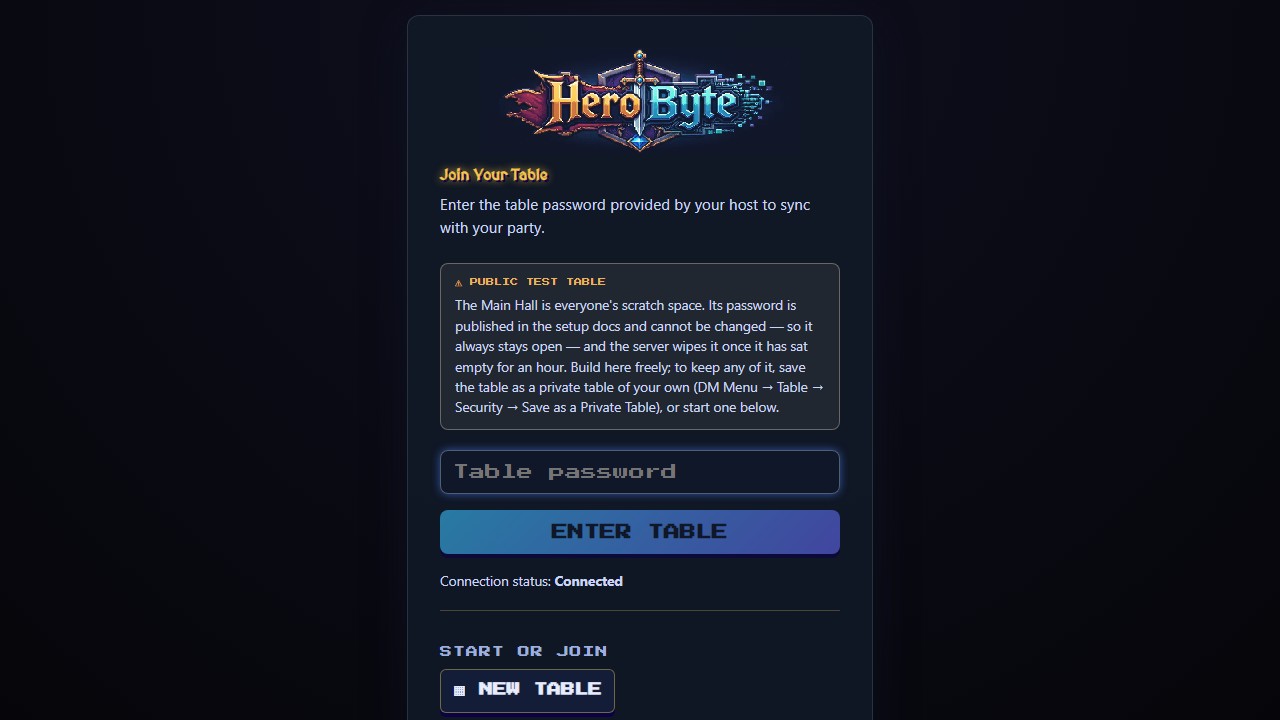
Your DM sends a link and, separately, the table password. The link never carries the password. Open the link, check the Connection status line says Connected, type the password and press ENTER TABLE. Passwords are case-sensitive. If you get one wrong, what you typed stays in the box so you can spot the typo.
ON A PHONEThe same screen, sized for your thumb. Once you are in, a reload drops you straight back in.
The join screen: type the table password, then ENTER TABLE
2
Find your token and your character
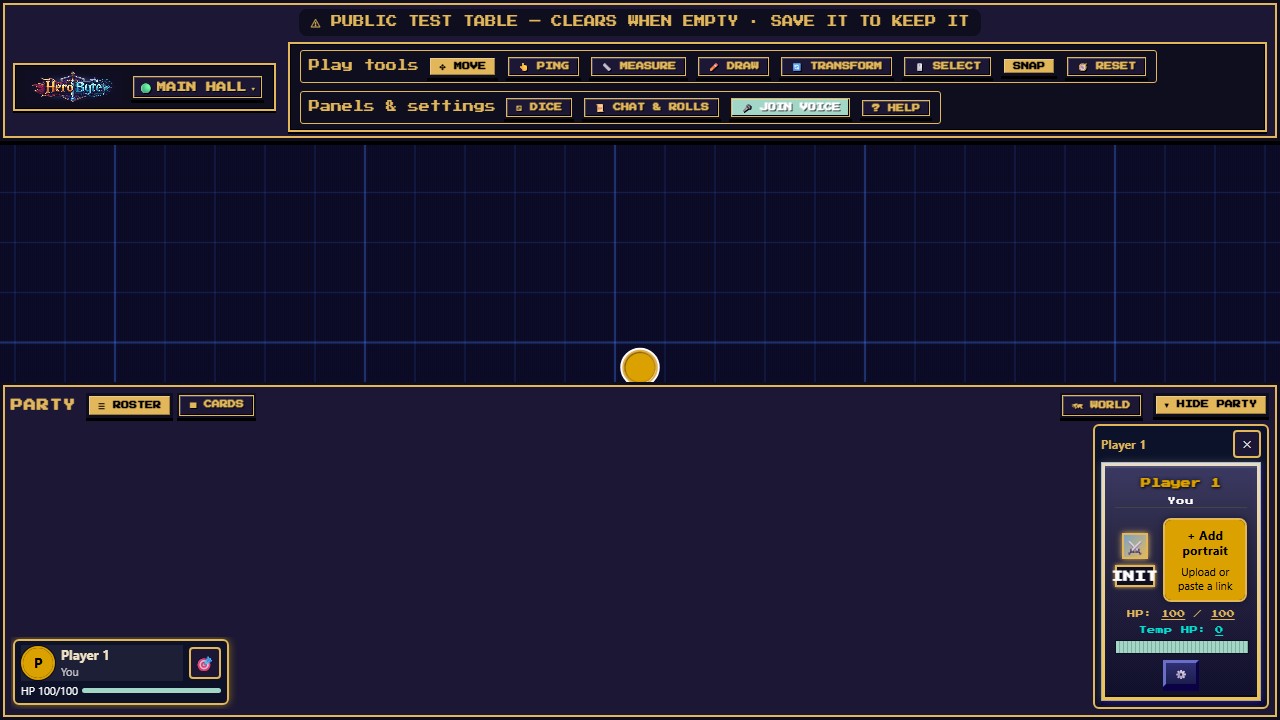
Your token is on the map, and your character has a row in the Party along the bottom that reads You. Press the target button on your row to jump the map to your token. Select the row to open your character card: click the name to rename yourself, and click either HP number to type a new value, or drag along the bar.
ON A PHONEOpen PARTY in the dock. FOCUS takes you to your token, and EDIT on your row changes your name, portrait and token.
Your row selected in the Party: your character card opens beside the rows
3
Move your token
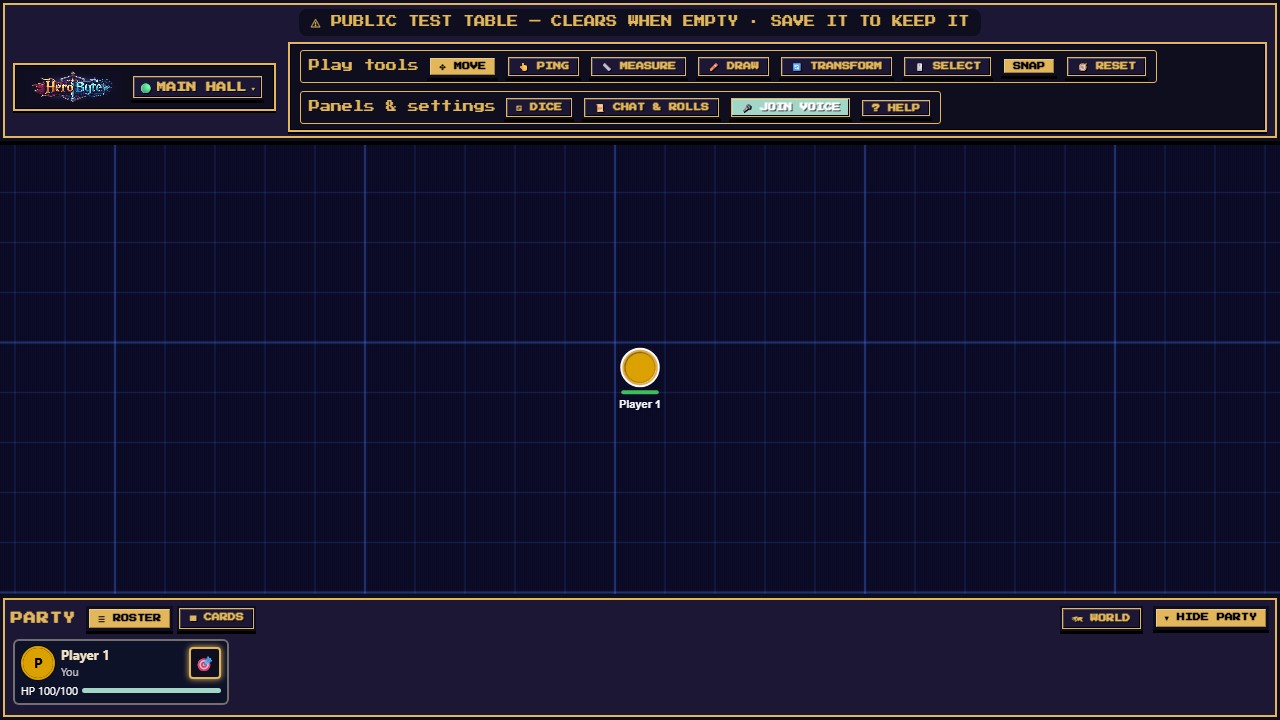
Drag your token to move it. With SNAP on in the toolbar, it clicks into grid squares, and everyone sees it in its new spot when you let go. Or step it one square at a time with WASD or the arrow keys. Drag empty map to look around, and use the mouse wheel to zoom.
ON A PHONETOOLS, then Select. Tap your token and a d-pad appears: hold a direction to walk. One finger looks around, two fingers zoom.
Your token on the grid, with your row in the Party below
4
Roll dice
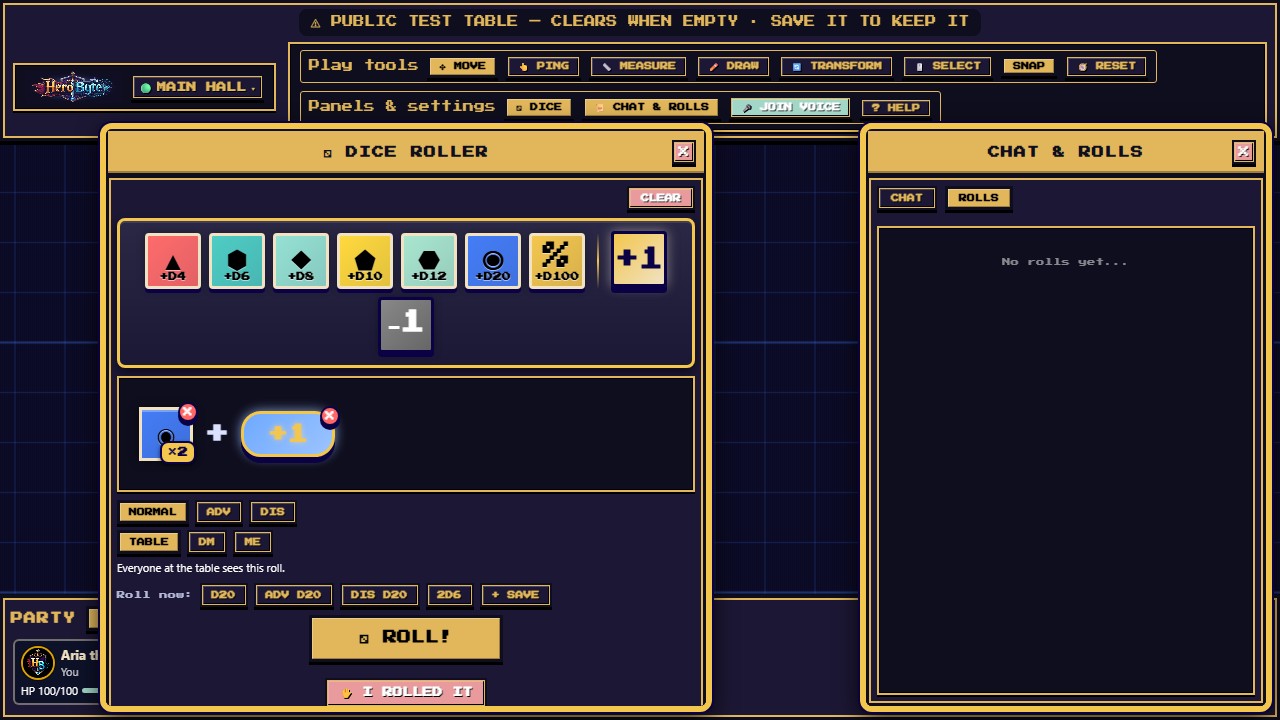
Press Dice. Click a die to add it to the tray, and click it again for more of the same. Add a modifier, pick NORMAL, ADV or DIS, and pick who sees it: TABLE, DM or ME. Then press ROLL! For a plain d20, the Roll now row rolls in one press. The server rolls the dice, so nobody can fudge them. Rolling real dice at the table? Press I ROLLED IT and type the total. It is marked as entered by hand.
ON A PHONEDICE in the dock opens a full-screen roller. Tap the result card to put it away.
Building a roll: two d20s and a +1 modifier in the tray
CHECK YOUR WORK
Your row in the Party reads You.
Your token stays where you let go of it, and the others see it there.
Your roll is in Chat & Rolls, under Rolls, with your name on it.
IF YOU SEE THIS
Everything around your token is dark. That's fog of war, and it means the table is working. You see what your character sees, from your own token, and walls and closed doors block it. Move your token and the map fills in. Places you have been stay dimly lit, so you can find your way back.
TALKING OVER VOICE?
Press Join voice and allow the microphone. It's in the header on a computer and at the top of Party on a phone. Mute keeps you in the call, so you still hear everyone. Headphones stop the echo.