1
Start a live map
Open Build map, then press START LIVE MAP. The LIVE badge lights up. From now on each edit saves itself: a brief "saving…" shows beside the badge, and when it clears the edit is in and has gone out to the table.
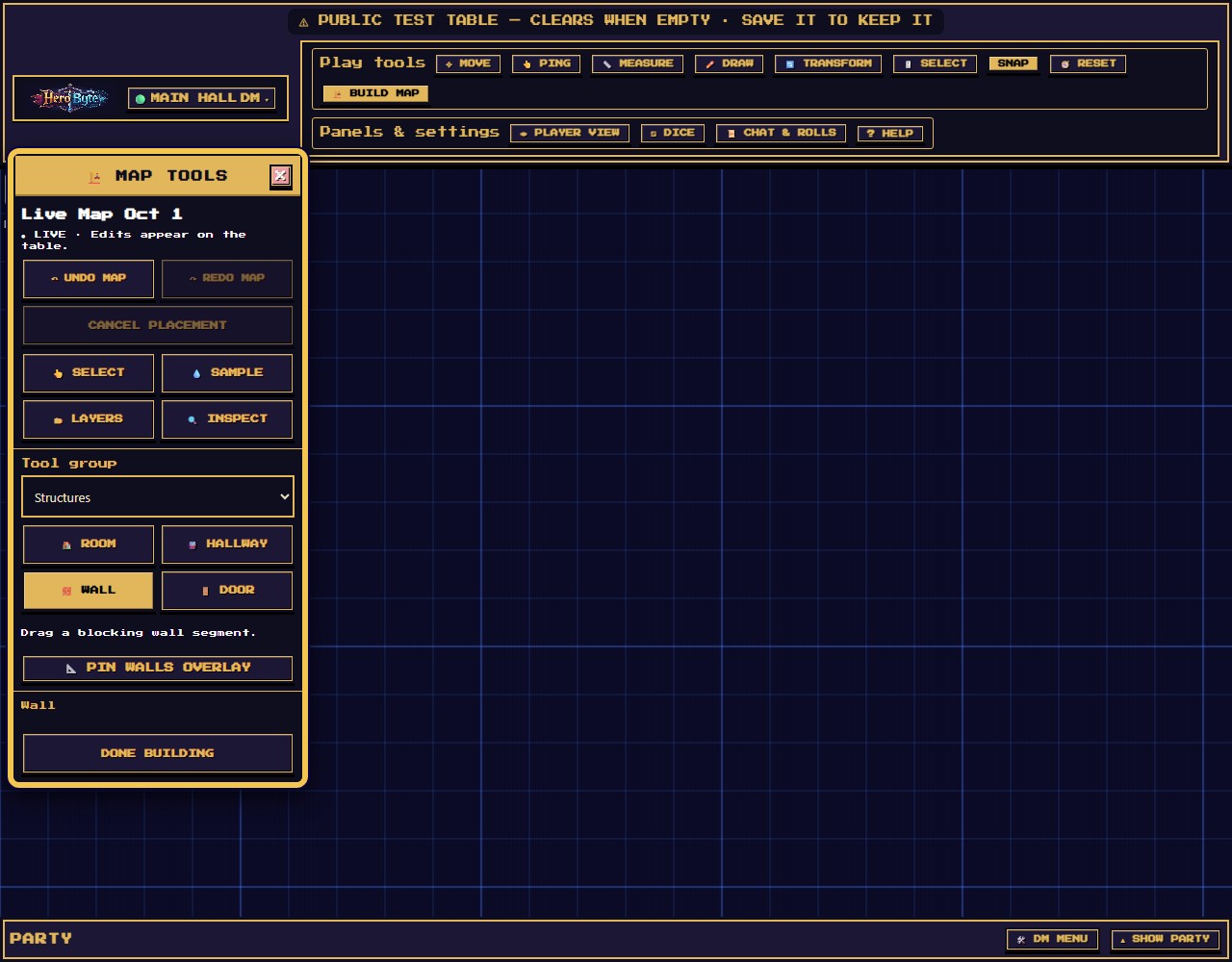
Draw a walled room on the table while your players watch it appear. By the end you will have a floor, walls that block sight, and know how to undo a mistake.
You need to be the DM at the table.
Already have map art uploaded? This lesson paints floors, and painted floors cover your picture. To keep the art and still get fog and doors, skip the floors and draw only walls and doors over it (lesson 5). Want to start fresh instead? Download a table backup first, then remove the background under DM Menu, Maps, Current table map.
Open Build map, then press START LIVE MAP. The LIVE badge lights up. From now on each edit saves itself: a brief "saving…" shows beside the badge, and when it clears the edit is in and has gone out to the table.
Choose Room. The brush deck under the tools picks the floor from 34 terrain families. Wall ring picks the walls: None, Stone, Brick, Timber or Dark.
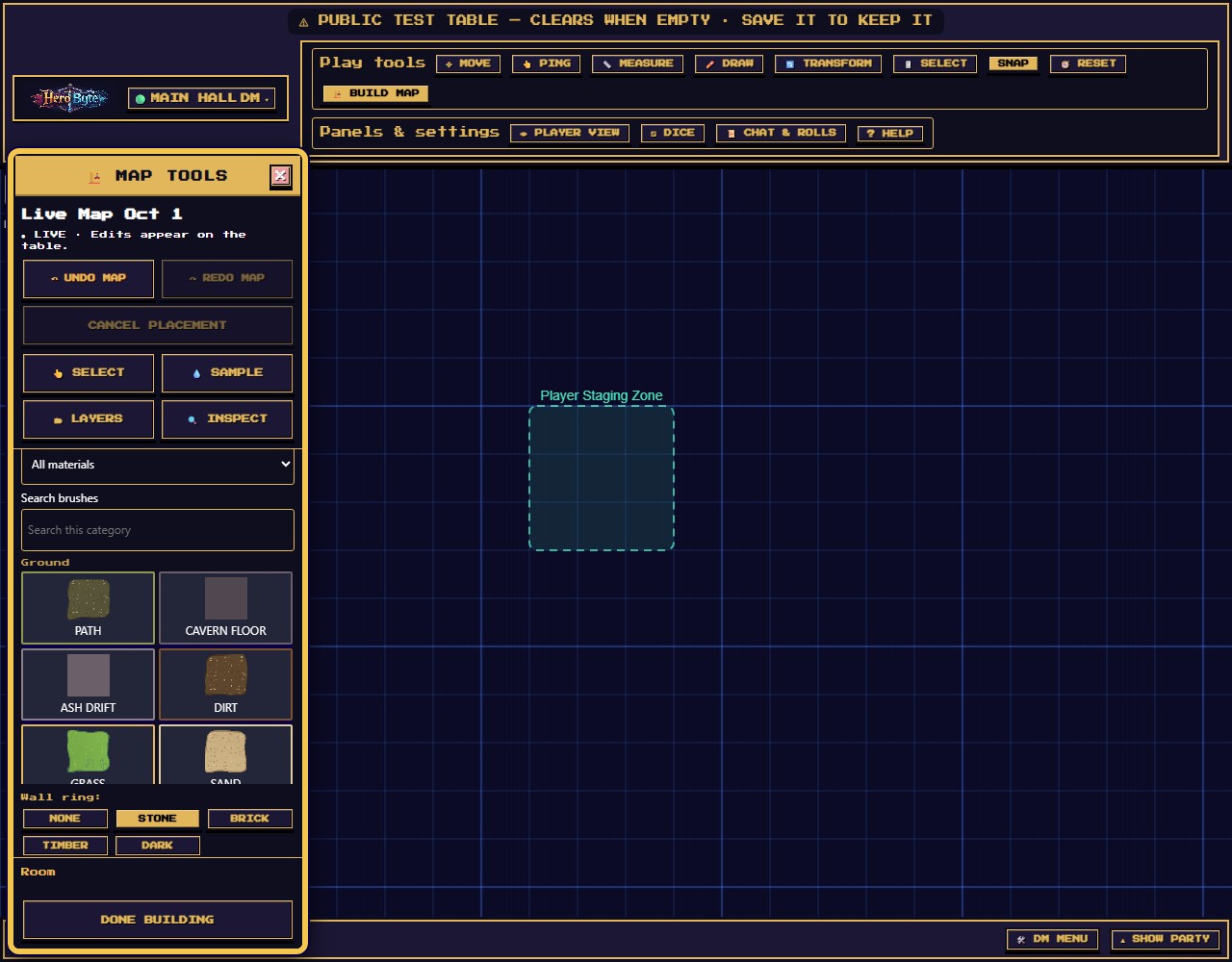
Drag a rectangle on the map. The preview shows the real art and a columns × rows readout. Let go and the floor, the wall band and the blocking walls land together as one undo step.
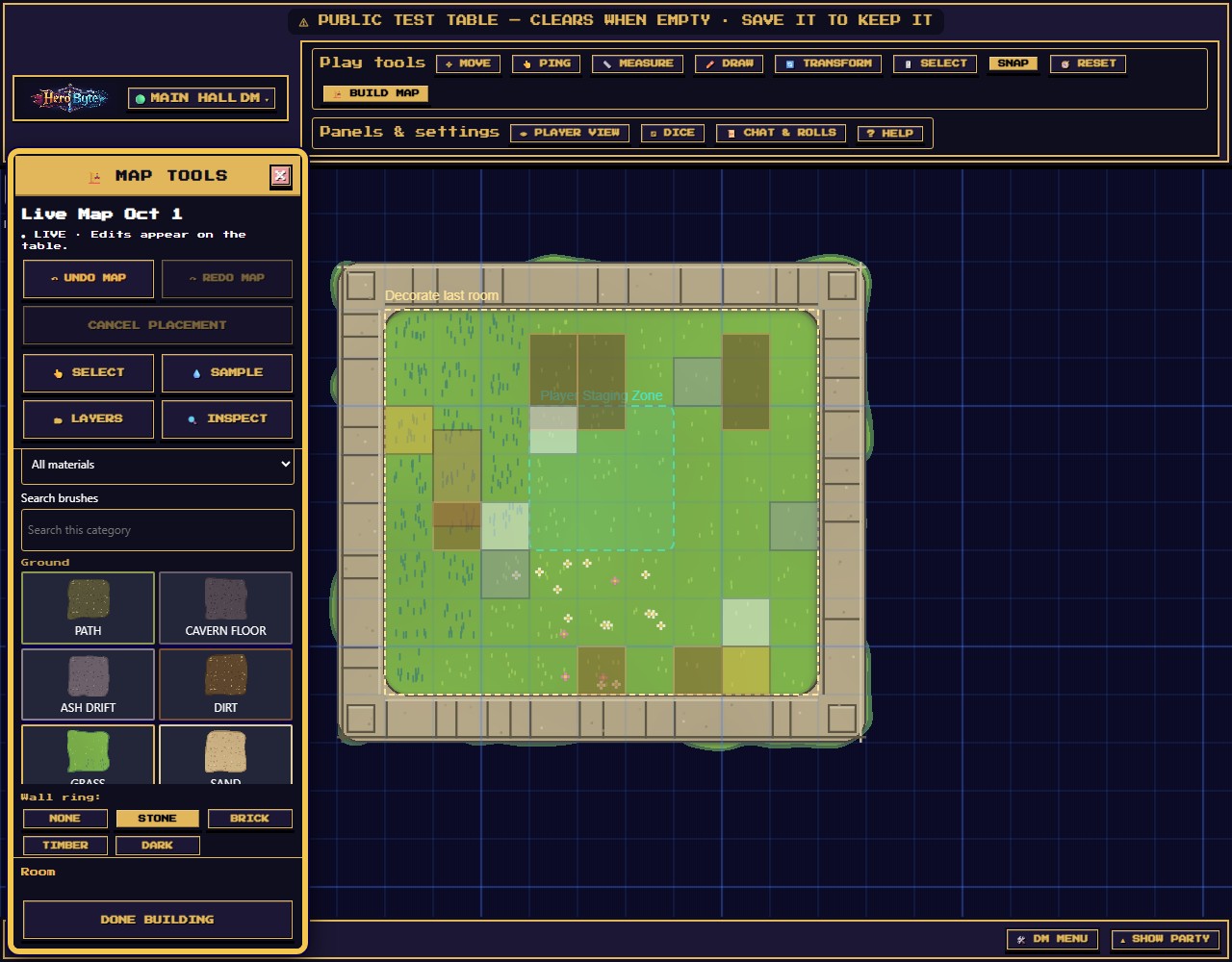
To cancel a drag you are still making, press Escape (Stop on a phone or tablet). UNDO MAP and REDO MAP step back and forward one edit at a time: a whole room is one step. Done building returns you to play, and the map stays live.
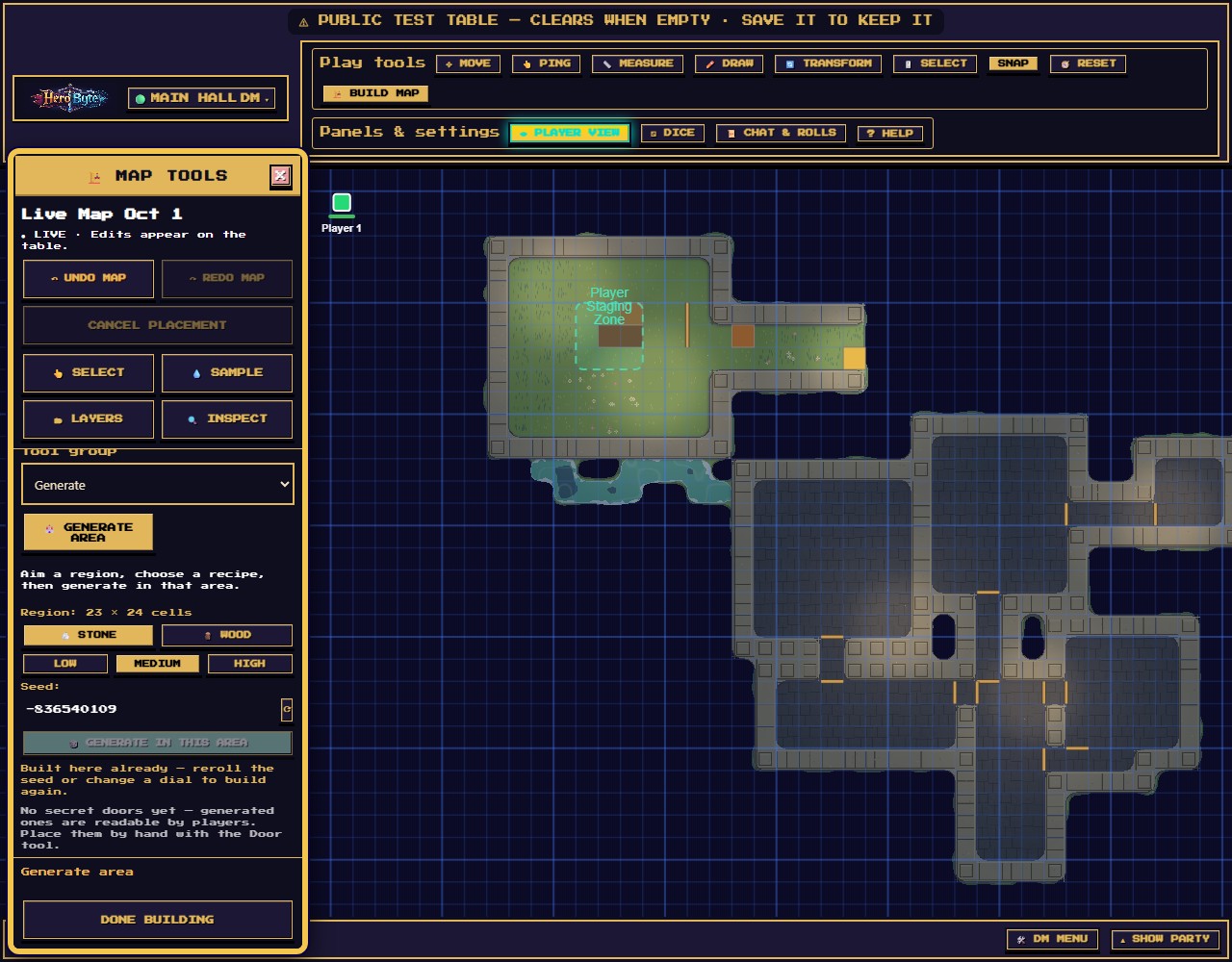
Players see the floor and the wall art. The blocking line underneath, the thing that actually stops movement and sight, is invisible to them. So with fog on, the room fills in only as their tokens can see into it. Turn on PLAYER VIEW to see the table exactly as they do. You can keep building while it is on.
"Still saving the last change, draw that again." HeroByte sends one edit at a time, and you drew the next one before the last was in. That second drawing was dropped whole, nothing half-applied. Wait for "saving…" to clear and draw it again. It happens most on phones.