BUILD THE MAP LIVE
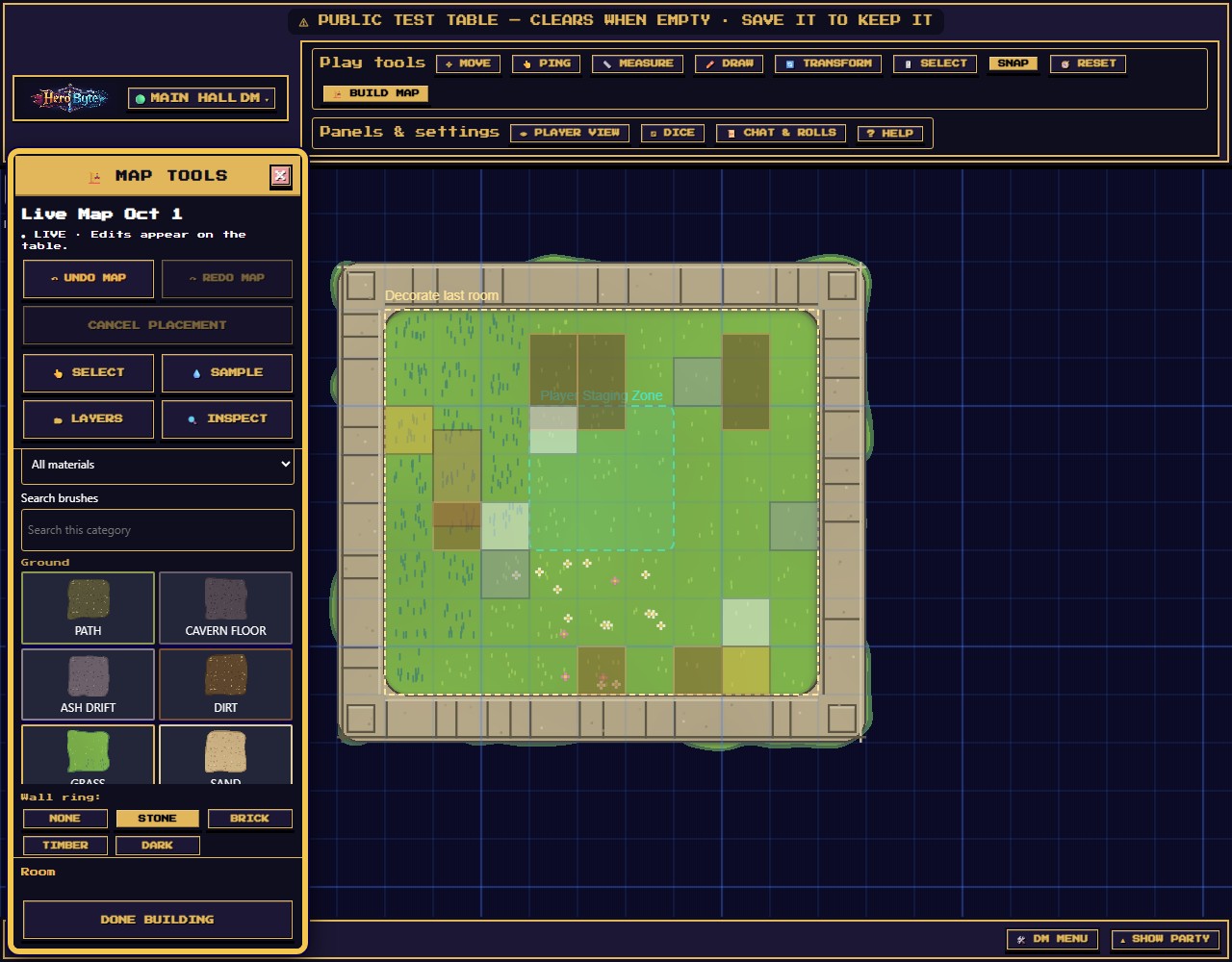
Drag out rooms, hallways, walls and doors. Each edit lands the moment you let go, and players see it as their characters reach it.
Draw rooms and doors live at the table, bring your own map art, or generate a dungeon when the party goes somewhere you never planned. Everyone plays in the browser with tokens, dice, fog of war and voice chat.
Building live doesn't spoil anything: players only see what their characters can see. Secret doors and your GM notes never reach their screens.
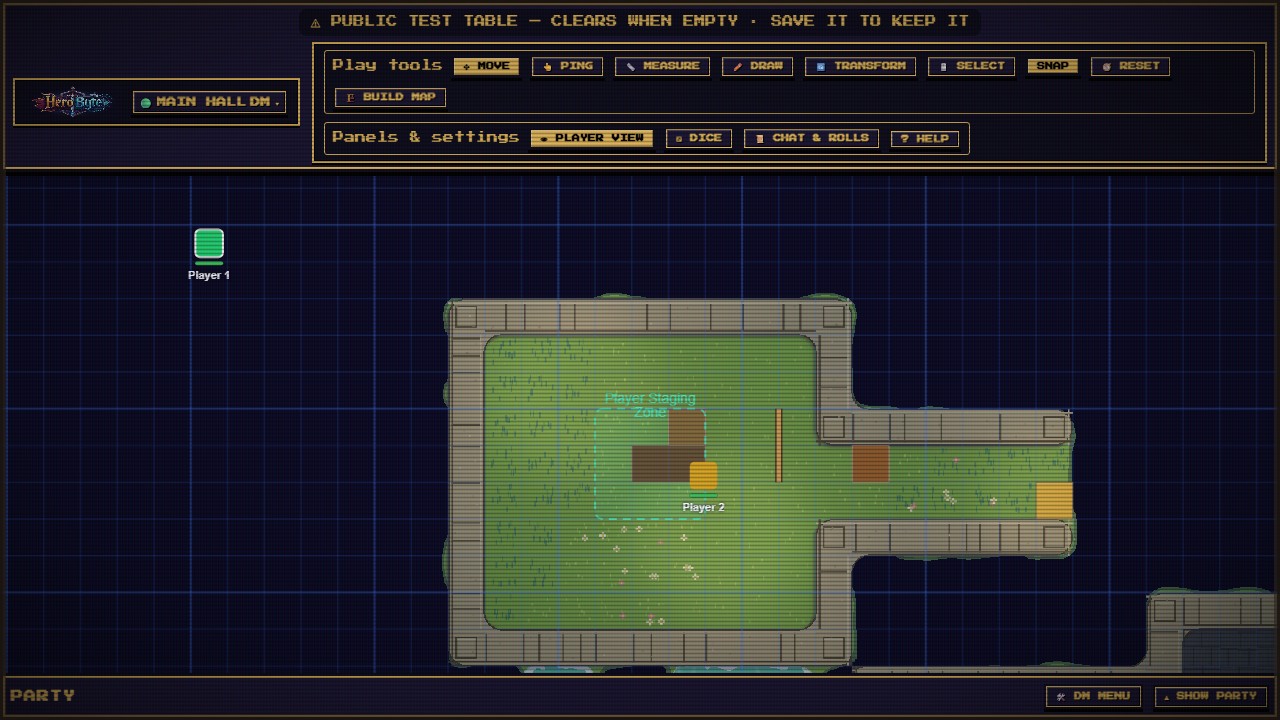
A whole map built live, then an ambush, initiative and dice, on a computer and a phone. Recorded in the real app.
Drag out rooms, hallways, walls and doors. Each edit lands the moment you let go, and players see it as their characters reach it.
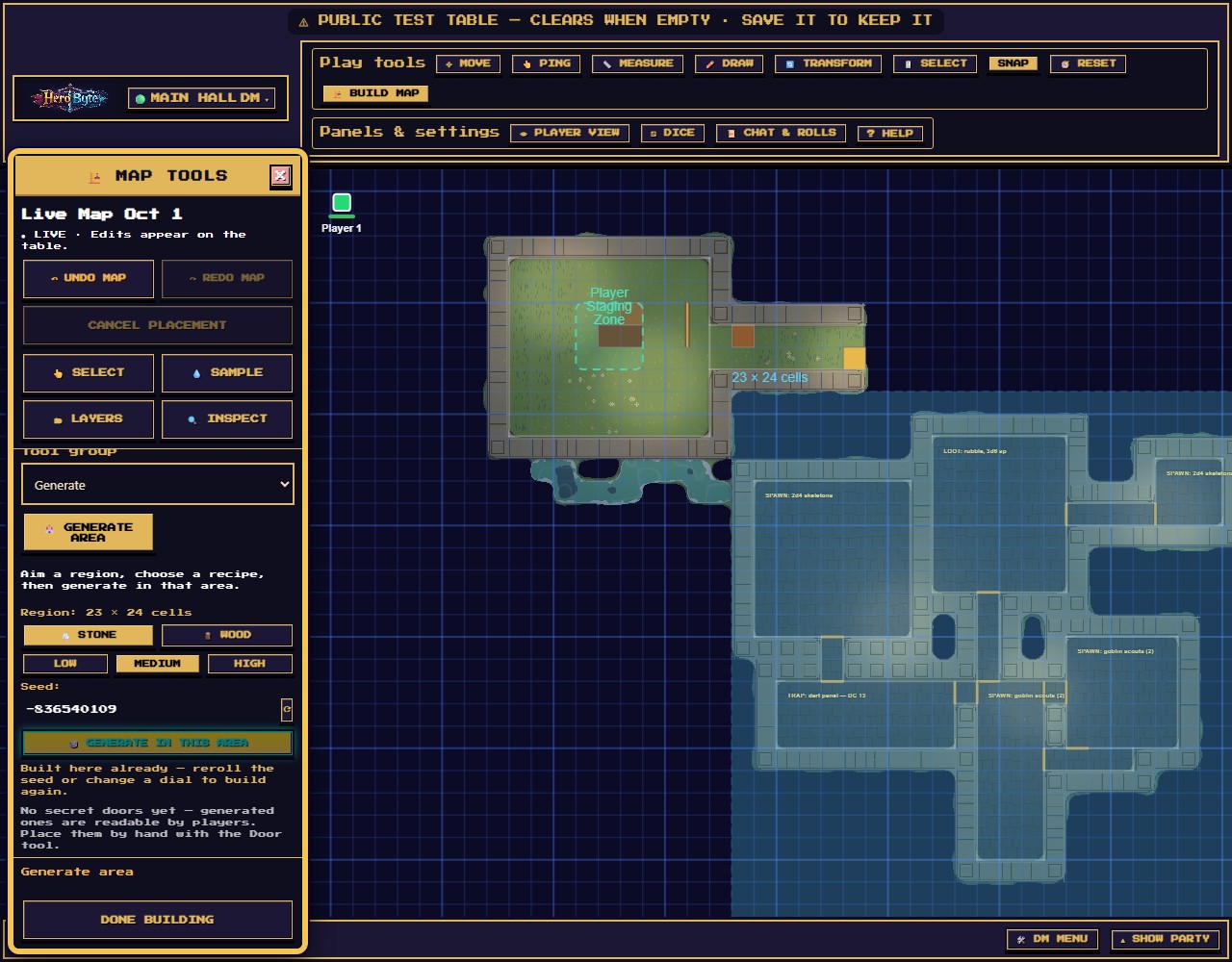
Party kicked in a door you never prepped? Generate the place behind it in seconds, then edit any part of it.
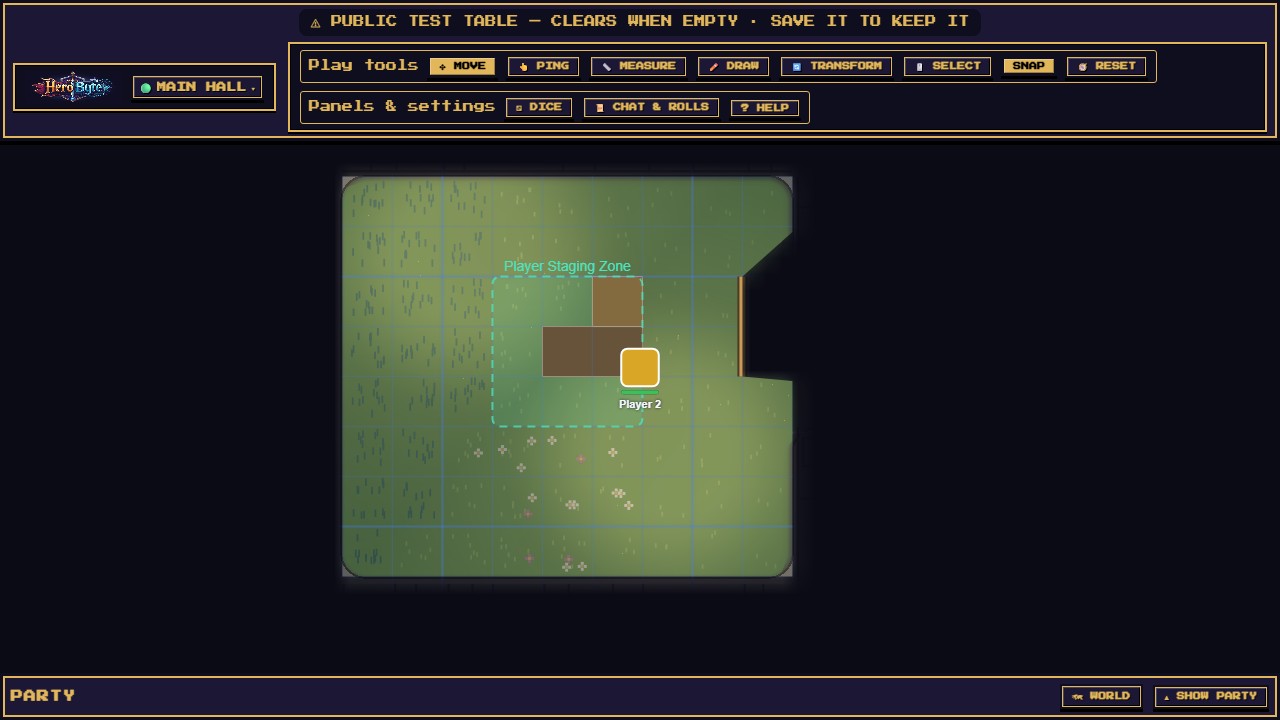
Vision comes from each player's own tokens and stops at walls and closed doors. Secret doors stay hidden until you reveal them.
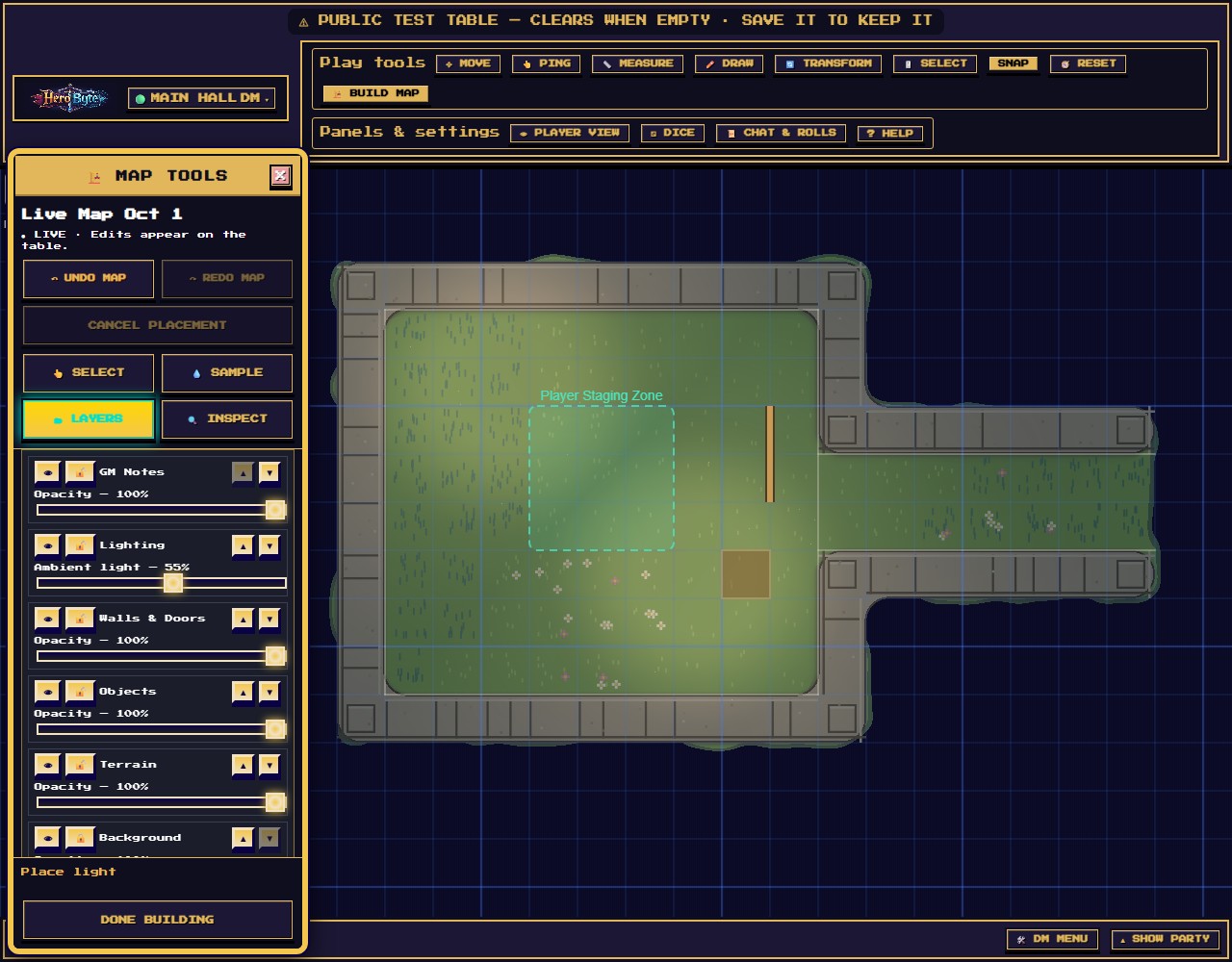
Place torches and braziers, then turn it to night. The map darkens and the light pools glow.
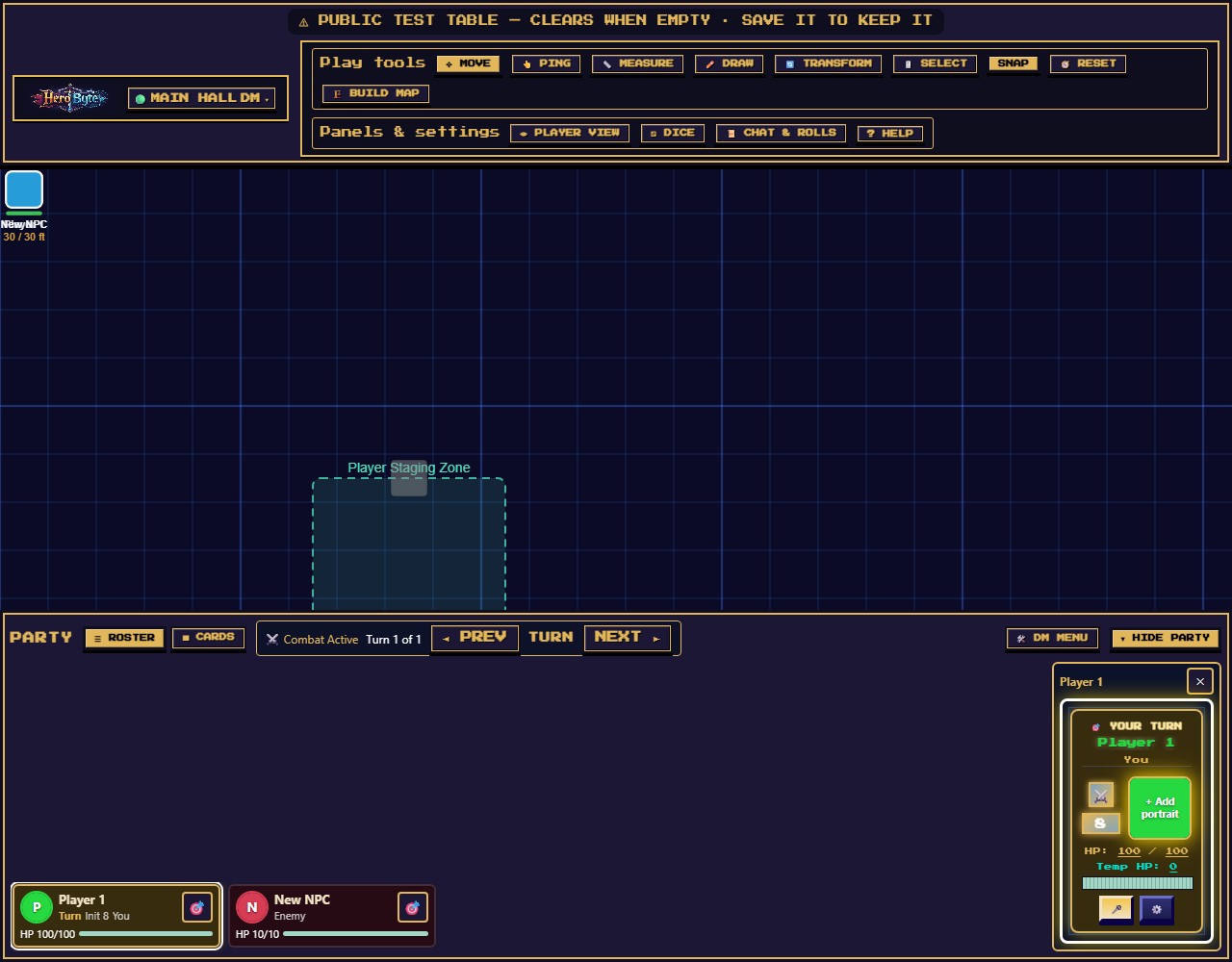
Track initiative and turns. Digital rolls come from the server, so nobody fudges. Rolling real dice? Enter them, and they're marked as entered by hand.
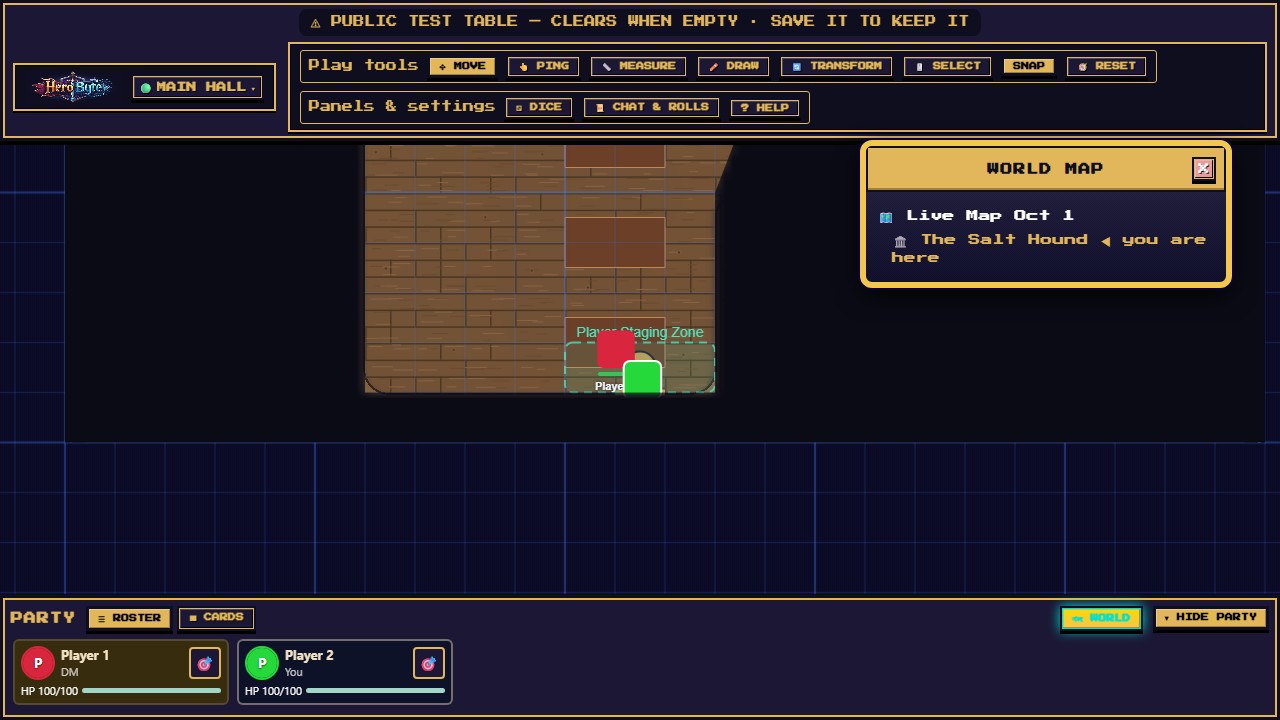
Link your maps into one campaign and move the whole party between them from the world map.
Every tool has a touch layout. Players roll and move from their phones, and the DM can build and run the whole table from a tablet. Buttons are sized for thumbs, not cursors.
Voice chat works on phones too. Join from the top of Party, mute whenever you like and keep listening.
Phone and tablet guide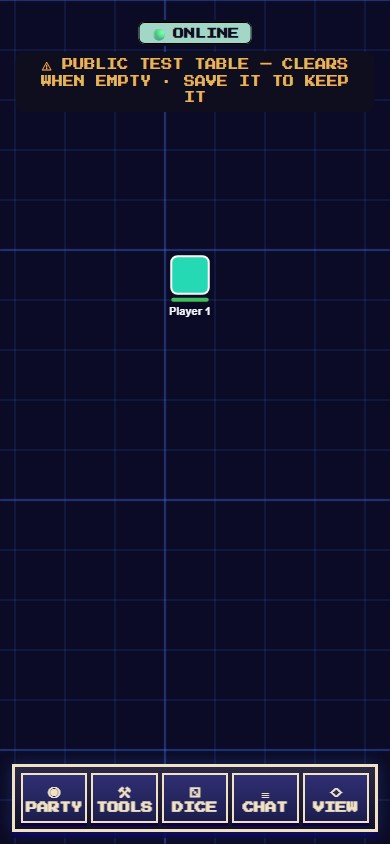
Name it and give it a table password and a DM password. It stays saved on the server between sessions.
Copy the invite link from the DM Menu and send the table password separately. The link never carries it.
Upload your own art, build one room by room, or generate one on the spot. You can combine them: draw walls and doors over uploaded art to give it fog.
A short video quick start for each side of the table, then a video path for each and the full guides whenever you want more.
Press NEW TABLE on the join screen to create a private table with its own passwords. It's saved between sessions.
CREATE A TABLEOpen the link your DM sent and type the table password. Got a table code instead? Paste it on the join screen.
JOIN A TABLEThe Main Hall is a public test table anyone can use. It wipes itself after an hour with nobody in it, so don't build anything there you want to keep.
Table password Fun1, and FunDM to try the DM tools.